Markdown Table Formatter

Format messy Markdown tables in seconds. Automatically align columns, normalize spacing, and generate clean GitHub Flavored Markdown (GFM) without changing your table data.
Perfect for GitHub README files, documentation, and Markdown editors, this browser-based formatter cleans existing tables so they're easier to read, edit, and maintain.
  • Free
  • Browser-based
  • No signup
  • Private

Loading converter…

What is a Markdown Table Formatter?

A Markdown Table Formatter automatically cleans and aligns existing Markdown pipe tables, making the source easier to read, edit, and maintain. Instead of manually adjusting spaces and pipe (|) characters, the formatter standardizes column widths while preserving your table structure and content.
Although Markdown tables usually render correctly even with inconsistent spacing, clean formatting improves readability in code editors, simplifies collaboration, and produces cleaner Git diffs. The formatted output is compatible with GitHub Flavored Markdown (GFM) and works across popular Markdown editors, documentation platforms, and static site generators.

Features

The Markdown Table Formatter automatically aligns existing pipe tables while preserving your original content, making Markdown easier to read and maintain.
Paste Markdown pipe tables — ✅
Automatic column alignment — ✅
Normalize column spacing — ✅
GitHub Flavored Markdown (GFM) — ✅
Multiple tables in one document — ✅
Preserve non-table content — ✅
Ignore tables inside code fences — ✅
Live formatted output — ✅
Copy formatted Markdown — ✅
Browser-based processing — ✅
No registration required — ✅
The formatted output is compatible with GitHub, GitLab, Obsidian, Docusaurus, MkDocs, Hugo, Jekyll, VS Code, and other applications that support standard Markdown tables.

Before & After Formatting

Formatting doesn't change your data—it only improves the readability of the Markdown source.

Before

|Product|Price|Rating|
|---|---|---|
|Laptop|999|4.8|
|Phone|799|4.7|

After

| Product | Price | Rating |
| ------- | ----- | ------ |
| Laptop  | 999   | 4.8    |
| Phone   | 799   | 4.7    |
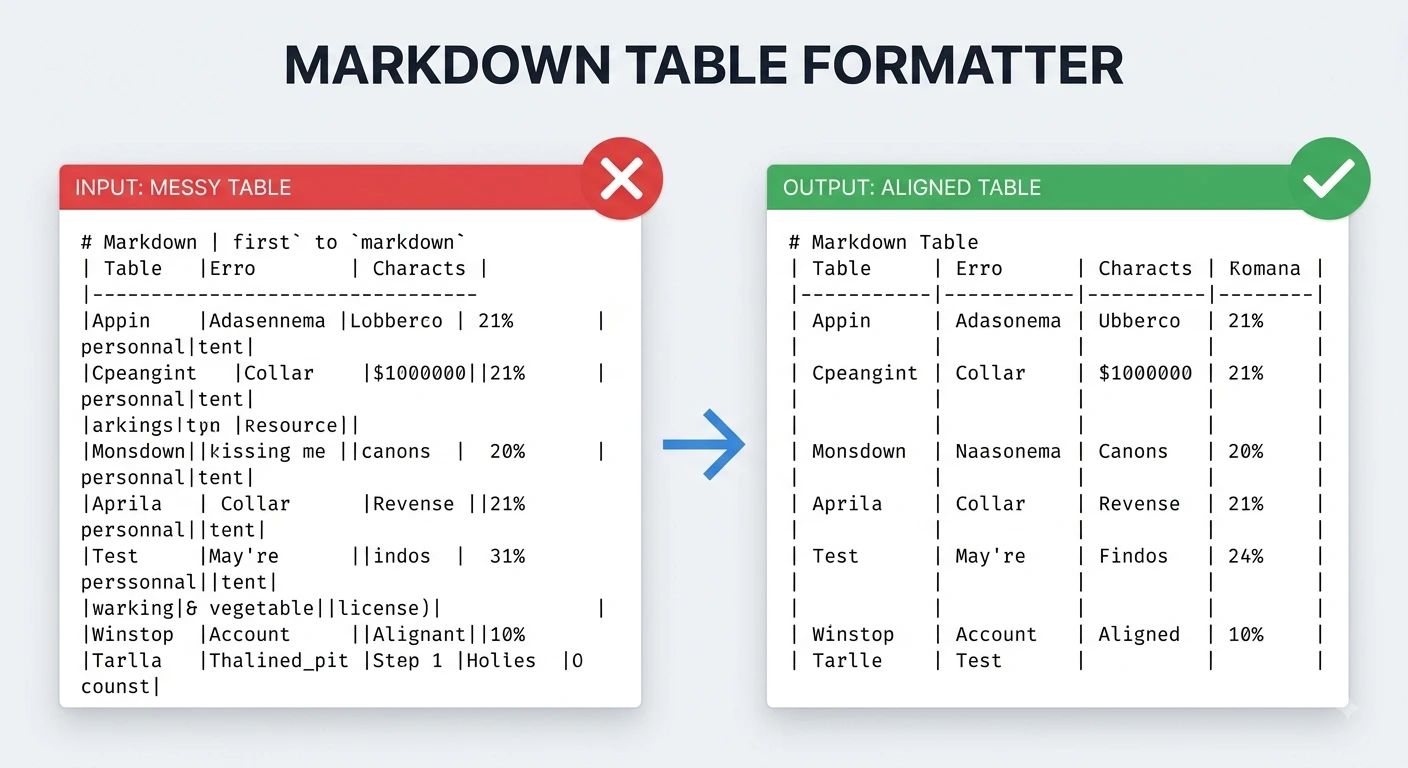
The table renders the same, but the formatted version is much easier to edit, review, and maintain.

Common Use Cases

Markdown tables often become difficult to maintain after multiple edits, copy-paste operations, or team collaboration. This formatter helps keep your table source clean and consistent across different documentation workflows.
GitHub README files — Keep project tables clean and easy to review in pull requests.
API documentation — Improve readability of parameter, endpoint, and configuration tables.
Technical documentation — Maintain consistent formatting across large documentation projects.
Spreadsheet imports — Clean up tables copied from Excel, Google Sheets, or CSV conversions.
AI-generated Markdown — Standardize tables created by ChatGPT, Claude, Gemini, or Cursor before publishing.
Team collaboration — Reduce inconsistent formatting when multiple contributors edit the same documentation.
Consistently formatted tables improve readability, simplify maintenance, and make Markdown source easier to review across projects.

Best Practices Before Formatting

A few simple checks help produce cleaner, more consistent Markdown tables.
Include a header row – Every table should begin with a header followed by a separator row.
Use consistent columns – Ensure each row contains the same number of columns.
Check separator syntax – Use standard GitHub Flavored Markdown (GFM) table separators.
Remove accidental line breaks – Keep each table row on a single line where possible.
Preview the formatted output – Verify the table structure before copying it back into your document.
Format before committing changes – Clean tables produce easier-to-read Git diffs and simplify future maintenance.
Following these practices helps keep Markdown tables readable, consistent, and compatible across different editors and documentation platforms.

Formatter vs Generator: Which Tool Do You Need?

Although both tools work with Markdown tables, they solve different problems.
FeatureTable FormatterTable Generator
Primary purposeClean existing tablesCreate new tables
InputExisting Markdown tableEmpty visual grid
Best forImproving readabilityBuilding tables from scratch
Changes table content❌ No✅ Yes
Standardizes spacing✅ Yes✅ Automatically
GitHub-ready output

Choose the Markdown Table Formatter when you already have a table that needs cleaning or alignment. Choose the Markdown Table Generator when you're creating a new table from scratch.

What Gets Formatted?

The formatter improves the structure and readability of your Markdown table while preserving the original data. It standardizes spacing and alignment without changing the meaning of your content.
  • Header row

    ✔ Preserved and aligned

  • Separator row

    ✔ Normalized

  • Data rows

    ✔ Aligned consistently

  • Column spacing

    ✔ Automatically standardized

  • GitHub Flavored Markdown (GFM)

    ✔ Fully supported

  • Multiple tables

    ✔ Formatted individually

  • Non-table content

    ✔ Left unchanged

  • Tables inside code fences

    ✔ Ignored

  • Cell values

    ✔ Preserved

  • HTML tables

    ✖ Not formatted

Common Formatting Problems

Most Markdown table issues are caused by inconsistent formatting rather than incorrect data. The formatter automatically resolves many common layout problems while keeping your table content unchanged.

Uneven column widths

Automatically aligns all columns.

Missing spaces around pipes

Adds consistent spacing for better readability.

Inconsistent formatting

Standardizes the entire table layout.

Tables copied from spreadsheets

Cleans spacing after paste operations.

Large documentation tables

Makes wide tables easier to review and maintain.

Team-edited Markdown

Produces a consistent formatting style across contributors.

How to Format a Markdown Table

Formatting a Markdown table only takes a few seconds.
  1. Paste your Markdown table

    Paste your Markdown table into the formatter.

  2. Review the formatted output

    Review the formatted output and confirm the alignment looks correct.

  3. Copy the cleaned Markdown

    Copy the cleaned Markdown back into your README, documentation, wiki, or Markdown editor.

Why Choose This Formatter?

Built for documentation and developer workflows, this formatter helps you keep Markdown tables clean, consistent, and easy to maintain.

Automatically aligns Markdown table columns

Standardize column widths without manual spacing edits.

Preserves your original table data and structure

Headers, rows, and cell values stay intact while layout improves.

Supports GitHub Flavored Markdown (GFM)

Output works on GitHub, GitLab, and most Markdown platforms.

Formats multiple tables in a single document

Each pipe table is detected and cleaned individually.

Keeps non-table content unchanged

Text and code fences outside tables are left as-is.

Live formatted output with one-click copy

See aligned output instantly and copy it in one step.

Browser-based processing for better privacy

Formatting runs locally in your browser — nothing is uploaded.

Free to use with no registration or installation required

Format as many Markdown tables as you need without signing up.

Where You Can Use Formatted Tables

Formatted Markdown tables improve readability across documentation, developer tools, and collaborative projects.
GitHub & GitLab – Keep README files, wikis, and project documentation clean and consistent.
Documentation Platforms – Format tables for MkDocs, Docusaurus, Hugo, Jekyll, and other static site generators.
Markdown Editors – Improve readability in VS Code, Obsidian, Typora, and similar editors.
Knowledge Bases – Maintain structured documentation for internal teams and technical guides.
Open Source Projects – Produce cleaner pull requests and more readable Markdown source.
AI Workflows – Standardize tables generated by ChatGPT, Claude, Gemini, or Cursor before publishing.

Frequently Asked Questions

Quick answers about formatting, data preservation, GitHub support, multiple tables, code blocks, and privacy.
  1. 1

    What is a Markdown Table Formatter?

    A Markdown Table Formatter automatically aligns and cleans existing Markdown pipe tables, making the source easier to read and maintain without changing the table data.

  2. 2

    Does formatting change my table content?

    No. The formatter only adjusts spacing and column alignment. Your headers, rows, and cell values remain unchanged.

  3. 3

    Does it support GitHub Flavored Markdown?

    Yes. The formatted output follows GitHub Flavored Markdown (GFM) table syntax and works with GitHub, GitLab, and most Markdown editors.

  4. 4

    Can I format multiple tables at once?

    Yes. If your document contains multiple Markdown tables, each table is detected and formatted individually while preserving the surrounding content.

  5. 5

    Are tables inside code blocks formatted?

    No. Tables inside fenced code blocks are ignored to prevent changes to example code or code snippets.

  6. 6

    Is my Markdown processed securely?

    Yes. Formatting happens entirely in your browser, so your Markdown content isn't uploaded or stored on our servers.

Complete your Markdown table workflow with these related tools:

Last updated: Category: Markdown Table Tools