
Technical documentation
Turn API documentation, product guides, installation notes, and internal documentation into shareable PDFs.
Loading converter…
H1–H6 render as a structured heading hierarchy in the document.
standard paragraphs and nested lists render as formatted content.
tables render as PDF tables; wide or complex tables may need adjustment.
code blocks render as formatted code; long blocks may split across page boundaries.
links stay clickable in the PDF; check external destinations before sharing.
images render in the PDF; external image assets need to remain accessible.
task lists render as checkbox-style lists; review complex layouts in the preview.
diagrams render in the PDF; check complex diagrams before export.
expressions render as equations; complex expressions may require review.
Standard Markdown generally converts well, but complex layouts and platform-specific Markdown extensions may need some cleanup after export.
Paste your Markdown into the editor or upload a .md or .markdown file.
Check headings, lists, tables, code blocks, images, and page breaks.
Click Download PDF to generate your document.
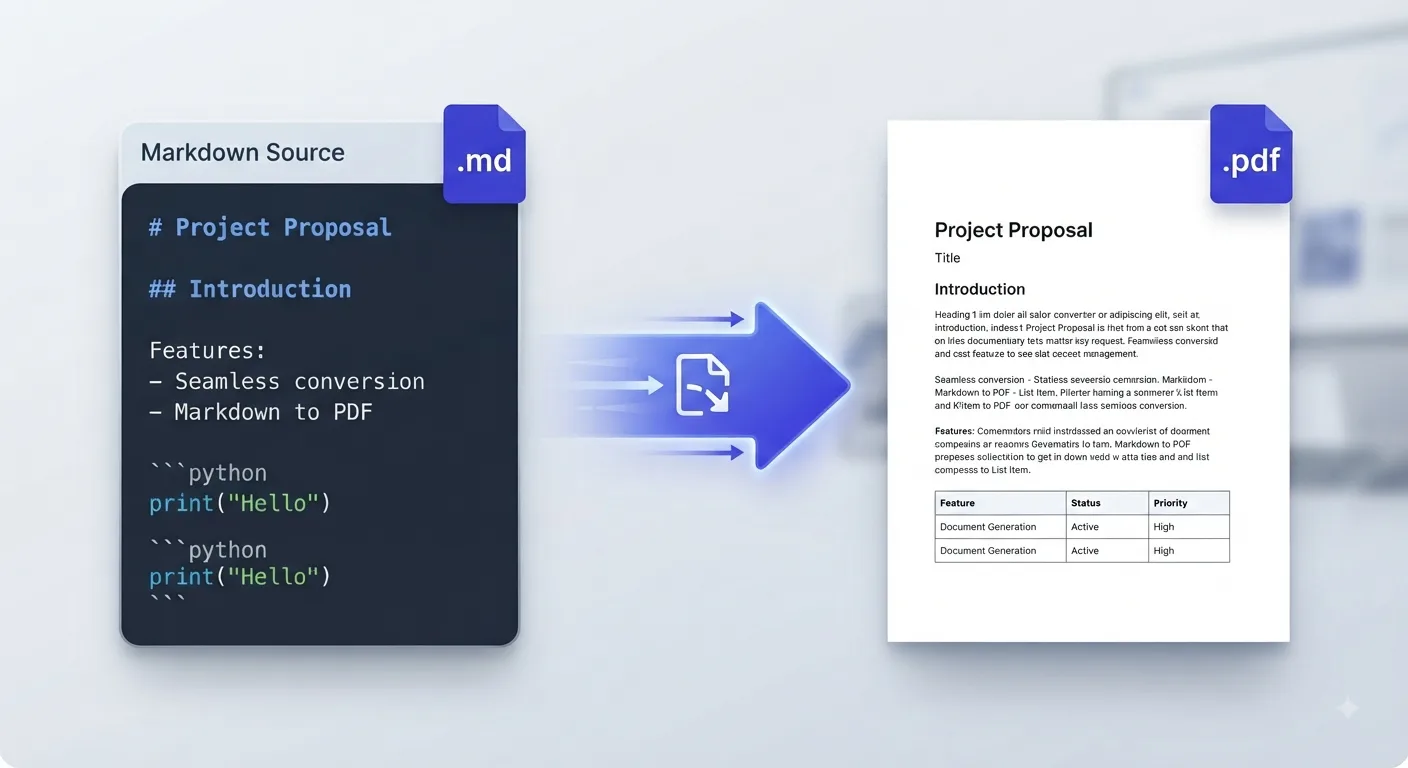
Turn API documentation, product guides, installation notes, and internal documentation into shareable PDFs.
Export GitHub README files and project notes for offline access or sharing.
Convert structured Markdown notes, assignments, and reports into printable PDF documents.
Create PDF copies of meeting summaries, release notes, and project updates for distribution or archiving.
Review wide tables to make sure all columns fit within the page.
Break very long code blocks into smaller sections when practical.
Resize large images if they make the PDF unnecessarily large.
Check page breaks when working with long documents.
Preview Mermaid diagrams and complex mathematical expressions before downloading.
Embedded HTML and platform-specific Markdown extensions may render differently from standard Markdown.
Yes. Upload a .md or .markdown file, review the rendered document, and download the resulting PDF.
It supports common GFM features such as tables, task lists, code blocks, and other standard Markdown structures. Review the preview when your document uses more complex formatting.
Yes. You can edit the Markdown in the browser before generating the final PDF.
PDF pages have fixed dimensions, so very wide tables and long code blocks can behave differently from a scrolling web page. Review the preview and adjust the Markdown when needed.
The converter processes your Markdown locally in your browser, so your content is not uploaded or permanently stored on MDConvertHub servers.
Learn practical Markdown workflows, publishing tips, and conversion best practices.
Last updated: Category: Markdown Converters