
Share Anywhere
Remove Markdown syntax before pasting content into emails, messaging apps, CRM systems, or any platform that expects plain text.
.md file to remove headings, bold, italic, links, lists, and tables while keeping the content readable. Ideal for cleaning up ChatGPT, Claude, and Gemini responses, GitHub README files, documentation, emails, CRM systems, and any application that doesn't render Markdown.Loading converter…
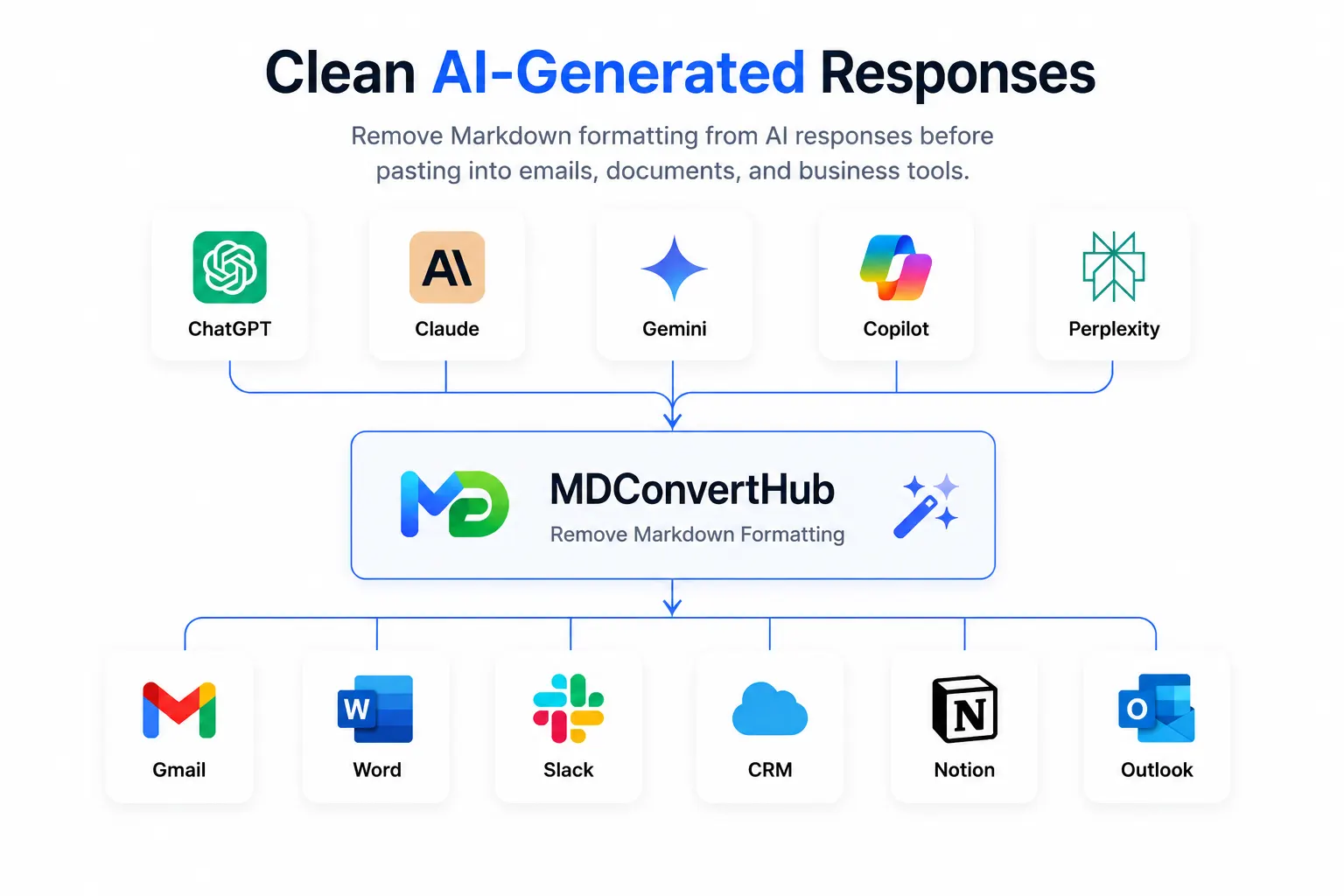
Remove Markdown syntax before pasting content into emails, messaging apps, CRM systems, or any platform that expects plain text.
Convert Markdown into clean, readable text without headings, symbols, or formatting characters distracting your readers.
Skip the manual process of deleting Markdown symbols line by line. Clean your content in seconds with a single conversion.
Use plain text in applications, databases, forms, and business tools that don't recognize Markdown formatting.
Only the Markdown formatting is removed. Your text, paragraphs, and overall content remain intact.
Your content is processed directly in your browser. Nothing is uploaded or stored on our servers.
| Feature | Plain Text | Markdown | Rich Text |
|---|---|---|---|
| Formatting | None | Lightweight syntax | Visual formatting |
| Readability | High | High | High |
| Bold & Italic | Not supported | Using Markdown syntax | Supported |
| Headings | Not supported | Supported | Supported |
| Lists | Basic | Supported | Supported |
| Links | Plain URLs | Supported | Supported |
| Tables | Not supported | Supported | Depends on the editor |
| Best For | Notes, emails, plain text fields | Documentation, GitHub, AI responses | Word processors, Google Docs, email editors |
Not every application supports Markdown. If you're new to the format, What is Markdown and our Markdown Syntax Guide cover the basics, or read Markdown vs Rich Text to compare the two in more depth. If you're sharing content in an environment that only accepts plain text, removing Markdown formatting keeps it clean and readable — if you'd rather keep formatting, convert to HTML, Rich Text, or DOCX instead.
# Project Overview becomes Project Overview.
**Important** becomes Important.
*Italic text* becomes Italic text.
Link syntax removed, readable text kept — [MDConvertHub](https://...) becomes MDConvertHub.
> Blockquote becomes Blockquote.
- List item becomes List item.
- [x] Completed task becomes Completed task.
the surrounding backticks are stripped, leaving inline code.
code is kept without the Markdown fences.
Converted to readable plain text — column alignment may not be preserved.
Removed.
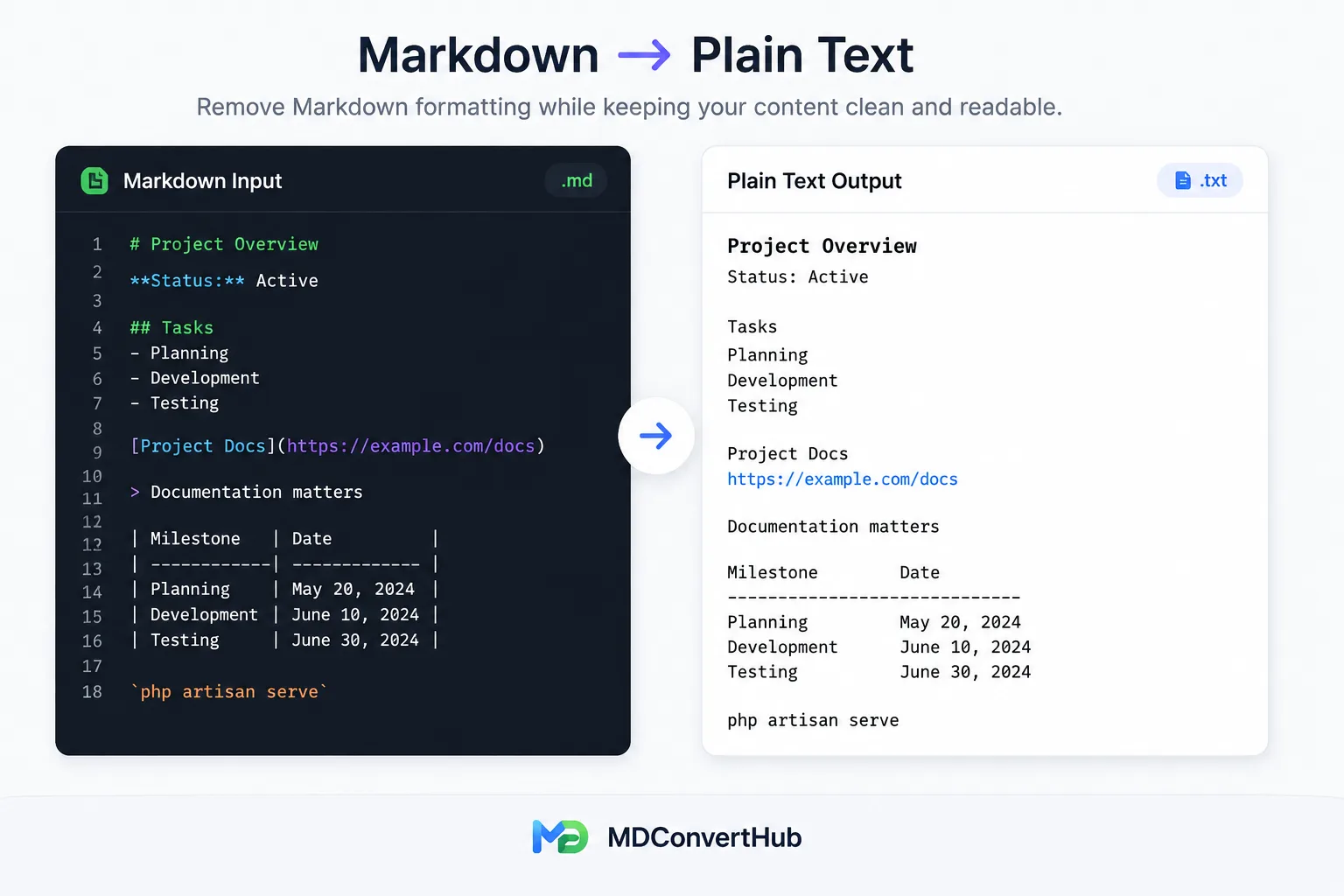
Large or complex Markdown tables are converted into readable plain text, but column alignment and table structure won't be preserved.
Multi-level lists become plain text while keeping the content and reading order intact.
Markdown files that include embedded HTML are converted as plain text. HTML-specific formatting isn't preserved.
Review the converted text if your original Markdown contains large tables, deeply nested lists, or custom HTML. A quick check helps ensure the output matches your intended layout before sharing or publishing.
Paste it into the editor above or upload a supported .md or .markdown file.
The tool removes supported Markdown syntax and shows readable text.
Large tables, deeply nested lists, or embedded HTML may need a quick manual review.
Use the cleaned text in emails, documentation, CRM systems, note-taking apps, or anywhere Markdown isn't supported.
This tool removes Markdown formatting such as headings, bold, italic, links, lists, tables, and code syntax while keeping the original text readable. The result is clean plain text that you can use anywhere.
No. Only the Markdown formatting is removed. Your words, paragraphs, and overall content remain unchanged.
Yes. Simply paste the Markdown output from ChatGPT, Claude, Gemini, Microsoft Copilot, Perplexity, or other AI assistants, and the tool will convert it into clean plain text.
Yes. You can paste Markdown directly or upload supported Markdown files for conversion.
Yes. Your content is processed directly in your browser and isn't uploaded or stored on our servers.
Yes. If you want to preserve formatting, use one of our Markdown conversion tools such as Markdown to HTML, Markdown to Rich Text, Markdown to DOCX, or Markdown to PDF instead.
Learn practical Markdown workflows, publishing tips, and conversion best practices.
Last updated: Category: Markdown Utilities