
Images
Image conversion depends on how the source editor stores image references. Some copied content may not include images in the generated Markdown.
Loading converter…
# to ######
**Bold**
*Italic*
***Text***
- Item
1. Item
- [ ] Task, when the source editor includes it
[Text](URL)
> Quote
code
triple backtick fences
GitHub Flavored Markdown tables
---
Markdown image syntax, depending on how the source stores the image
converted to plain text
converted to plain text
not included in the output
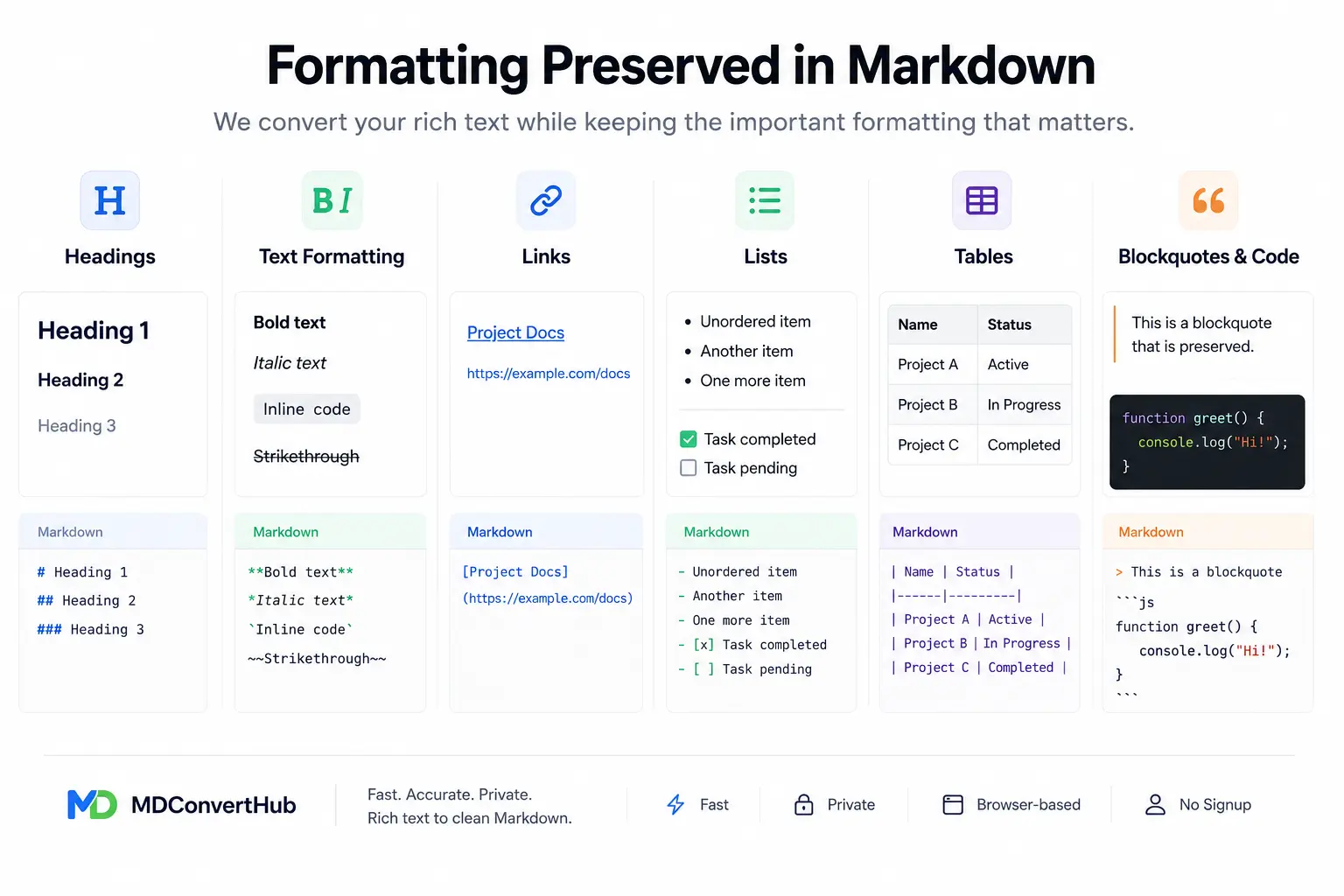
Image conversion depends on how the source editor stores image references. Some copied content may not include images in the generated Markdown.
Nested or merged tables may not convert perfectly across all editors and can require small manual adjustments.
Highlighted text is usually converted as plain text because standard Markdown doesn't support highlight formatting.
Custom fonts, font sizes, text colors, and other visual styling are removed during conversion.
Comments, suggestions, and tracked changes aren't included. Accept or reject changes before copying your content.
Multi-column layouts, page breaks, headers, footers, and other document layout elements aren't preserved in Markdown.
If your document contains advanced layouts, comments, tracked changes, or custom formatting, review the generated Markdown before publishing. Markdown is designed for clean, portable documents rather than pixel-perfect page layouts.
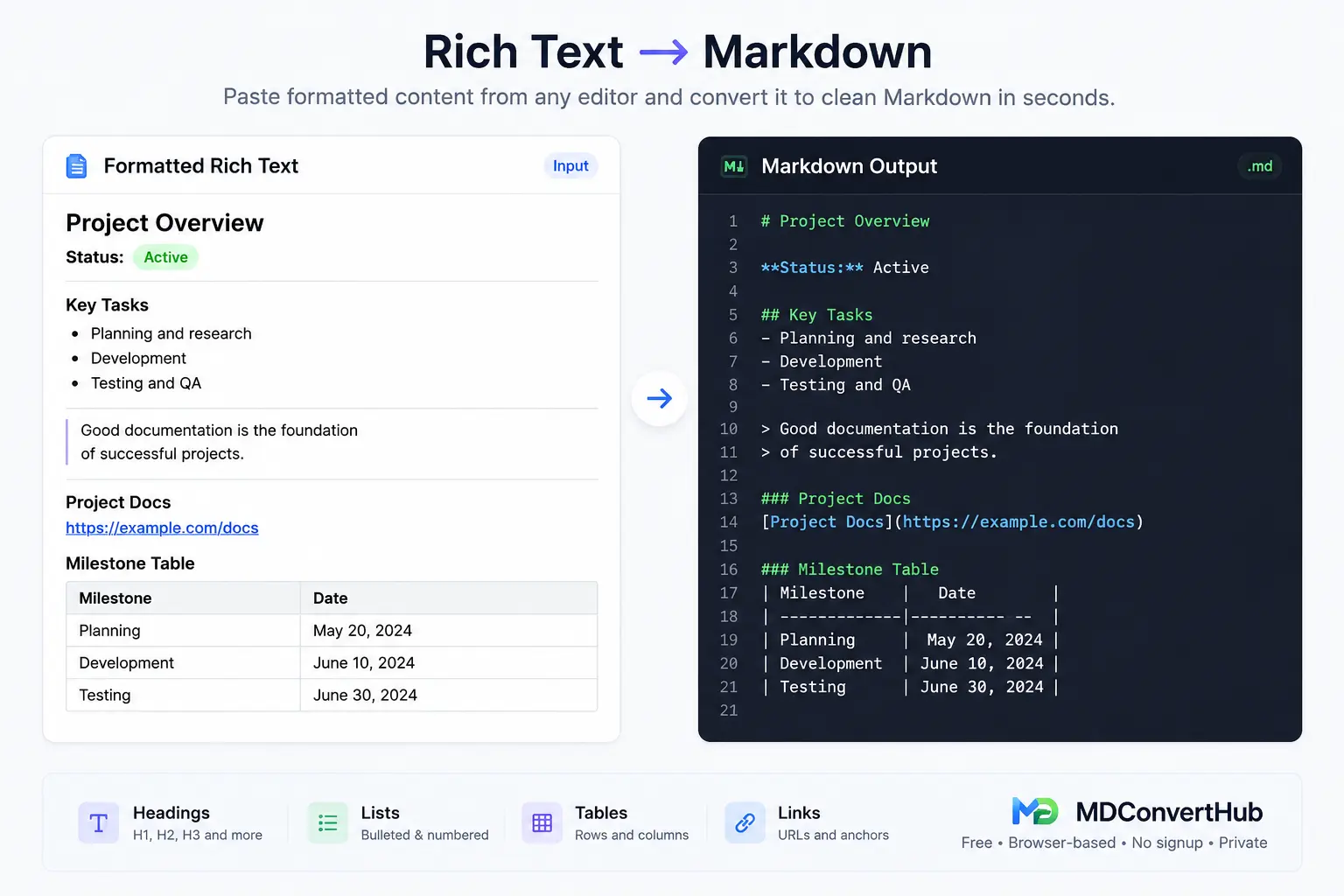
Copy text from Microsoft Word, Google Docs, Notion, ChatGPT, Gmail, Slack, or another rich text editor.
The tool reads the formatting and converts headings, lists, tables, links, emphasis, and other supported elements into clean Markdown.
Review the generated Markdown, make any edits if needed, then copy it to your clipboard or download it as a .md file.
Project Status

Quarterly Report

Status: Active

Team Members

- Alex
- Priya
- David

Project Repository

GitHub Repository

Release Notes

Version 2.4 includes performance improvements and bug fixes.# Project Status
## Quarterly Report
**Status:** Active
### Team Members
- Alex
- Priya
- David
### Project Repository
[GitHub Repository](https://github.com)
### Release Notes
Version **2.4** includes performance improvements and bug fixes.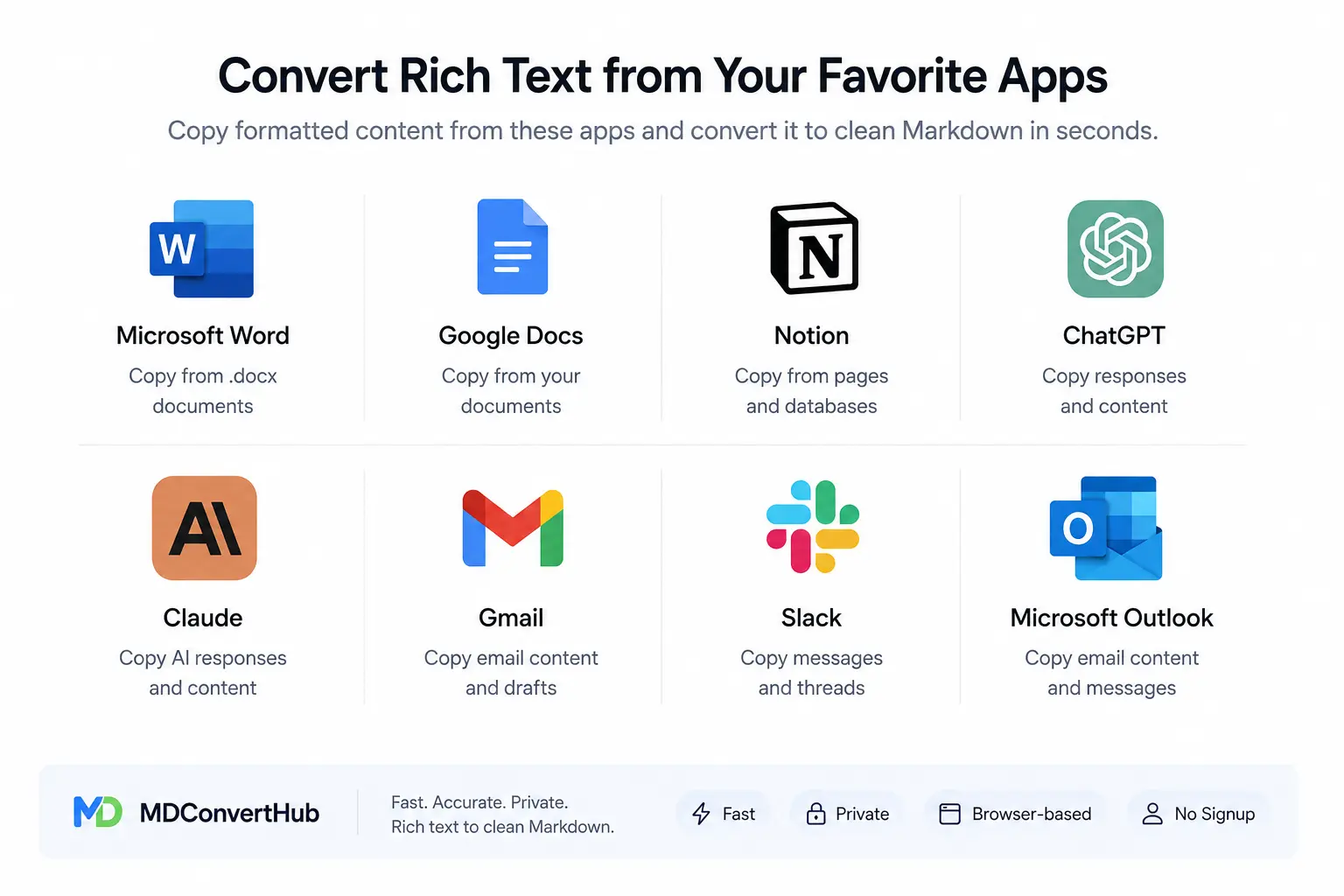
The converter preserves standard formatting such as headings, bold and italic text, lists, links, tables, blockquotes, and code blocks. Formatting that depends on a specific editor, such as custom fonts, text colors, comments, or tracked changes, is not included in the Markdown output.
Yes. Copy the formatted content from Microsoft Word, Google Docs, Notion, Gmail, Slack, ChatGPT, or another supported editor and paste it into the converter. The tool reads the available formatting and converts it into clean Markdown.
Use Rich Text to Markdown when you're copying formatted content from an editor like Word, Google Docs, or Notion. Use HTML to Markdown when you already have HTML source code, HTML snippets, or an HTML file that needs to be converted into Markdown.
Yes. The generated output follows standard Markdown syntax and works with GitHub, Obsidian, VS Code, many documentation tools, static site generators, and other applications that support Markdown.
Markdown is designed to preserve document structure instead of visual styling. Headings, lists, links, and emphasis are converted, while fonts, colors, page layouts, and other editor-specific formatting are simplified or removed.
No. Your content is processed in your browser and is not uploaded or stored by the converter. You can safely convert notes, documentation, reports, and other text without creating an account.
Learn practical Markdown workflows, publishing tips, and conversion best practices.
Last updated: Category: Markdown Converters